darktable can set a good white balance on infrared images without a custom profile. It has two ways to do it: the modern method, which uses the color calibration module, and the legacy method, which uses the white balance module. For white balance in general, including what to click and settings by filter, see White Balance for Infrared Photography.
Modern Method
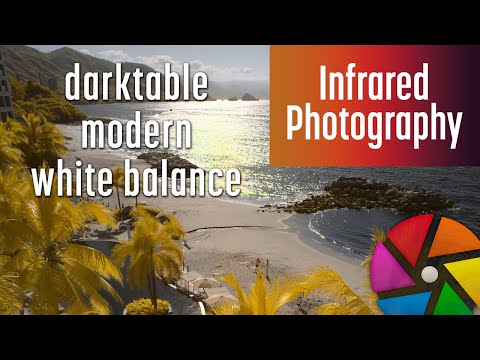
This video explores the modern white balance method for infrared photography in darktable. The legacy method is compared to the modern method with examples of different scenes. The steps to set a white balance using the modern method are demonstrated. The challenges with using channel mixer presets and the solution of creating a new instance of the color calibration module are covered.
Legacy Method
This is the first video in my series on editing infrared images in darktable. It shows how to use modules in darkroom, the editing space within darktable, and how to set a white balance on an infrared image.

Related
- White Balance for Infrared Photography
- How to Swap Colors for Infrared Images in darktable
- darktable Infrared Presets
- Raw Editors for Infrared Photography
Comments
If you have comments, questions or feedback, use the comment section for the modern method video or the legacy method video.


